



Wedding
Gifts for the home and funds for your first plans together.
Start this registry
A better way to gift
One list of gifts and cash funds. Share the link on WhatsApp; family reserve gifts or send M-Pesa.
 Wedding
Photo by The Valdez on Pexels, used under the Pexels licence.
Pick what you are celebrating. Each one comes with gift ideas and funds to start from.
Gifts for the home and funds for your first plans together.
Start this registry
What the new arrival needs, with no duplicates.
Start this registry
Fill the new home with things you will really use.
Start this registry
Help a graduate step into what comes next.
Start this registry
For the gift they really want, at any age.
Start this registry
For the traditional marriage ceremony, with both families.
Start this registry
For the traditional marriage ceremony, with both families.
Start this registry
Dedications, baptisms, confirmations and church weddings.
Start this registry
Pull together for a family goal, with one clear link.
Start this registry
Celebrate the years together with something shared.
Start this registry
Thank a long career and help with what comes next.
Start this registryThree steps, about five minutes, all from your phone.
Add the gifts you would love, from any shop, and cash funds for the bigger things. It takes about five minutes.
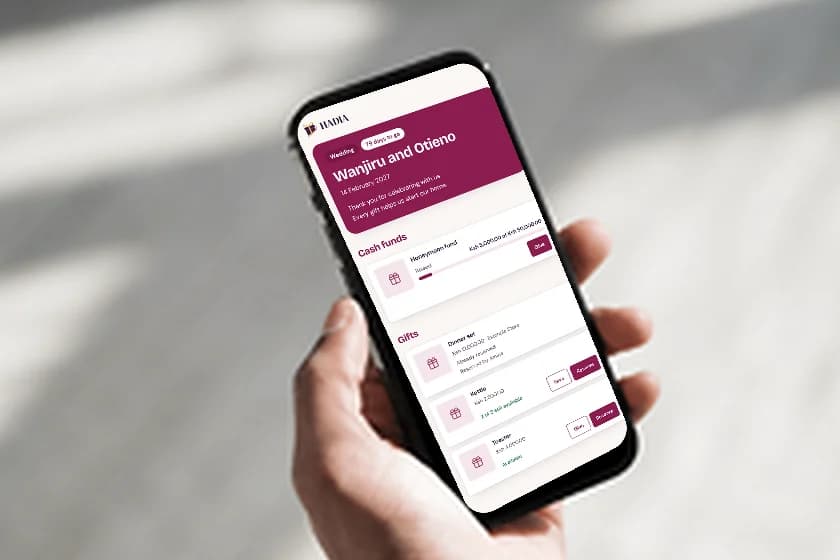
Send it on WhatsApp or show the QR code. Family and friends open it on any phone, with no app to download.
Guests reserve a gift so nobody buys the same thing, or send a contribution by M-Pesa. You get a receipt for every gift.
Every shilling has a clear path, and you can see it at each step.
They choose an amount, see the fee and the exact total, then approve the M-Pesa prompt on their own phone.
The money sits in an escrow account for your registry with a licensed payment provider. You see each gift and the guest's message as it lands.
Ask for a payout to your confirmed M-Pesa number from KES 500. You see the amount, the fee and what reaches you before you confirm.
One link holds it all. Use as much or as little as you need.
Your registry
They open the link on any phone. Nothing to download, no account to make.
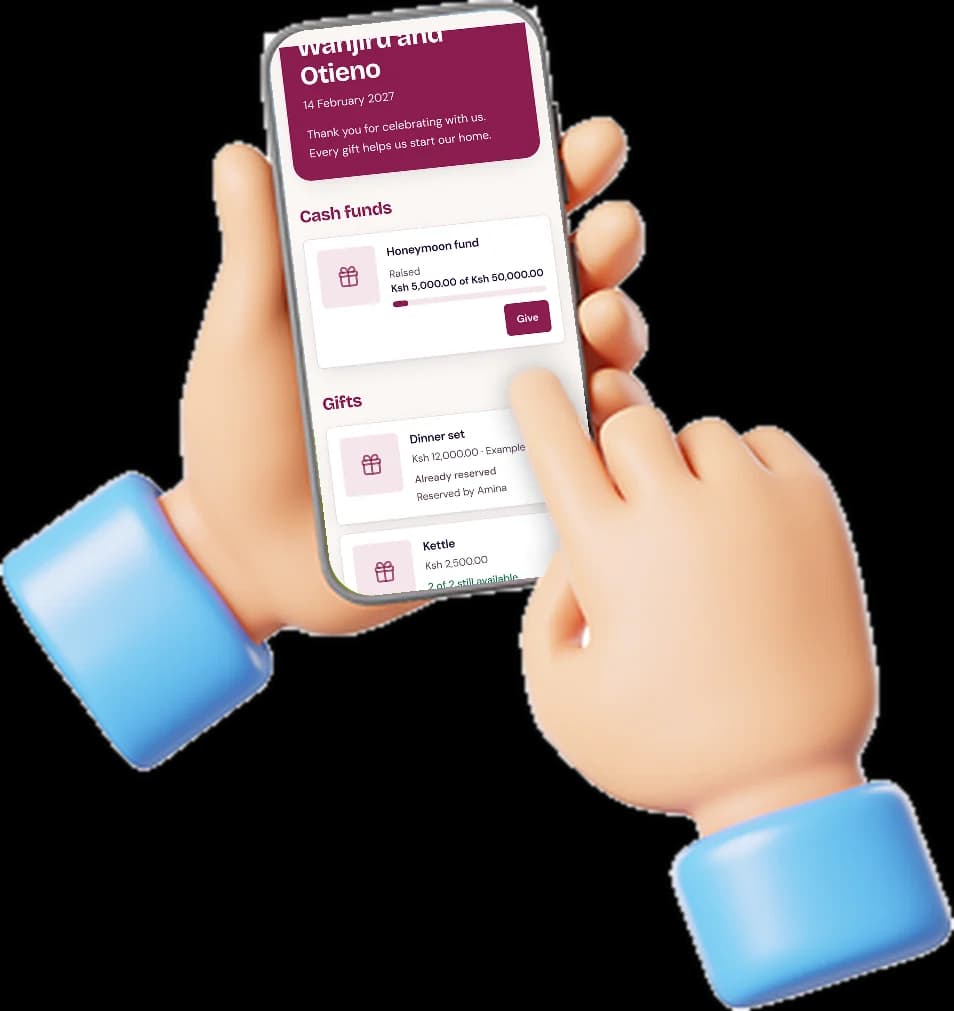
Example
Give toward Home deposit fund
Pay with M-Pesa
Guests see what is still needed. You see every gift, who sent it and their message.
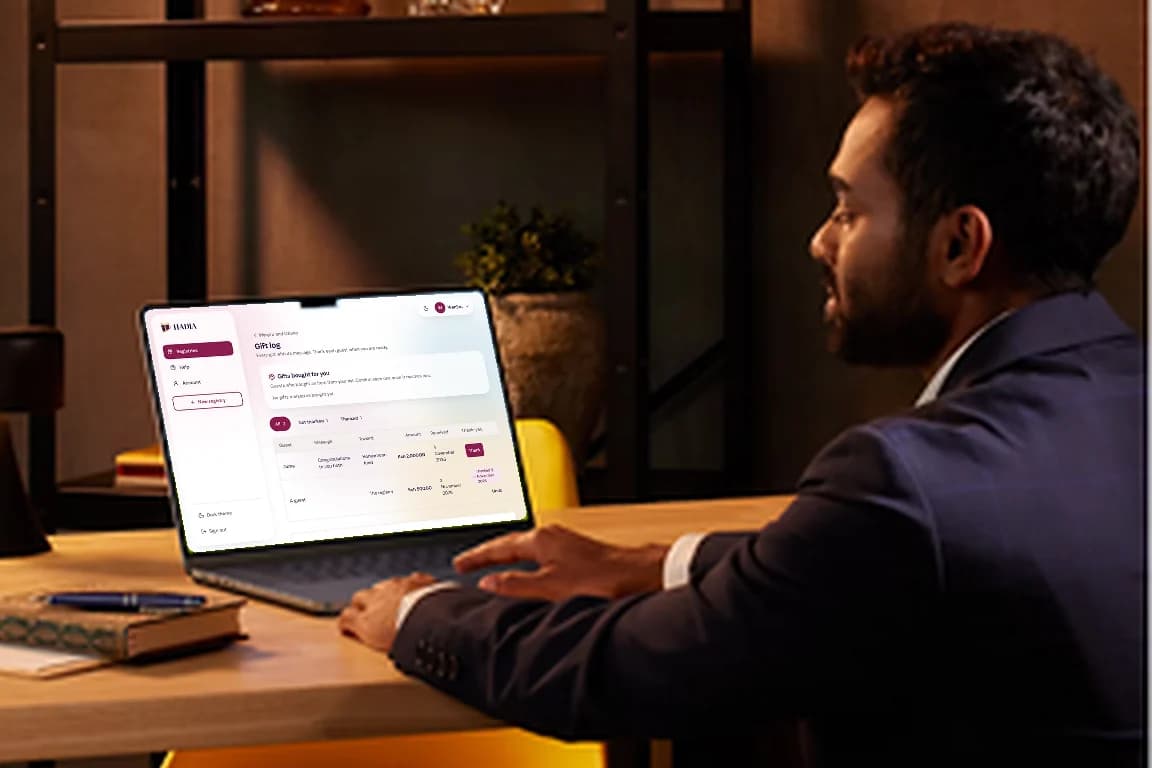
9 people have given
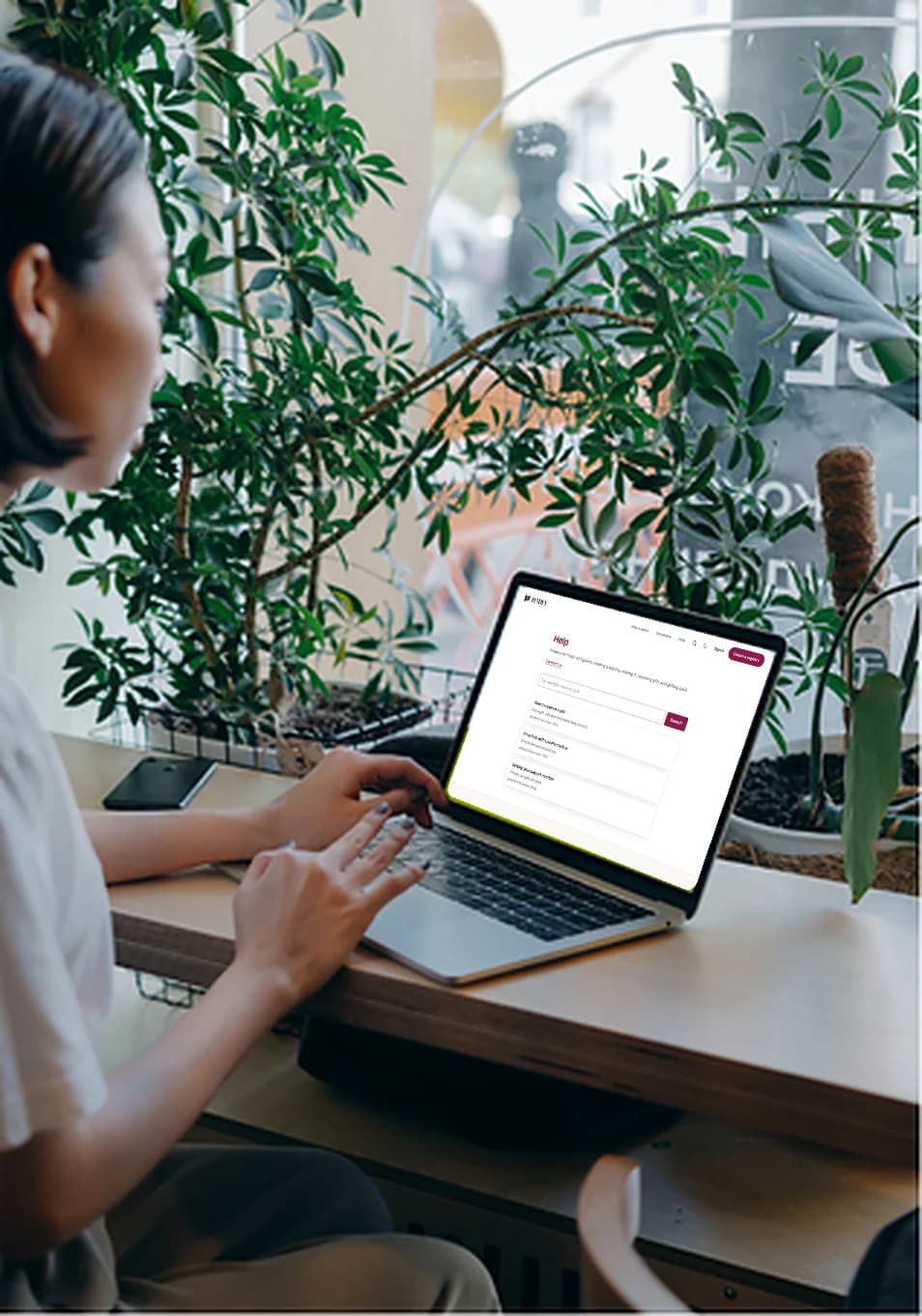
Yes. Creating a registry, adding gifts, sharing it and reserving gifts cost nothing. Hadia only charges on money gifts.
Creating and sharing a registry is free. Hadia takes a small commission on money gifts when you withdraw them, and your payout screen shows the exact amount before you confirm. Guests pay a handling fee for M-Pesa or card, and see it with the exact total before they pay. Premium for one registry is optional and paid once.
Gifts are held in an escrow account for your registry at a licensed payment provider, not in a personal account. Only you can ask for a payout, to an M-Pesa number you have confirmed with a code.
Any time from KES 500. You see the amount, the fee and what reaches you before you confirm. Some payouts are held for a short time for safety, and the page says when yours will be ready.
No. They open your link, reserve a gift or give by M-Pesa, and get a receipt on WhatsApp.
Yes, with a Kenyan M-Pesa line: the payment prompt reaches it wherever it has signal, including when roaming abroad. Card payments from abroad are not available yet.
Only people with the link, unless you make it public. You can add a passcode or make it private at any time, and the location never appears in link previews.
You can close or cancel the registry from its page. Gifts are refunded under the cancellation and refund policy, and you can follow each refund.
Sign in with your mobile number, or with Google or email. Your registry can be ready to share in five minutes.
Create a free registryEnter the code from their link, or paste the whole link.


